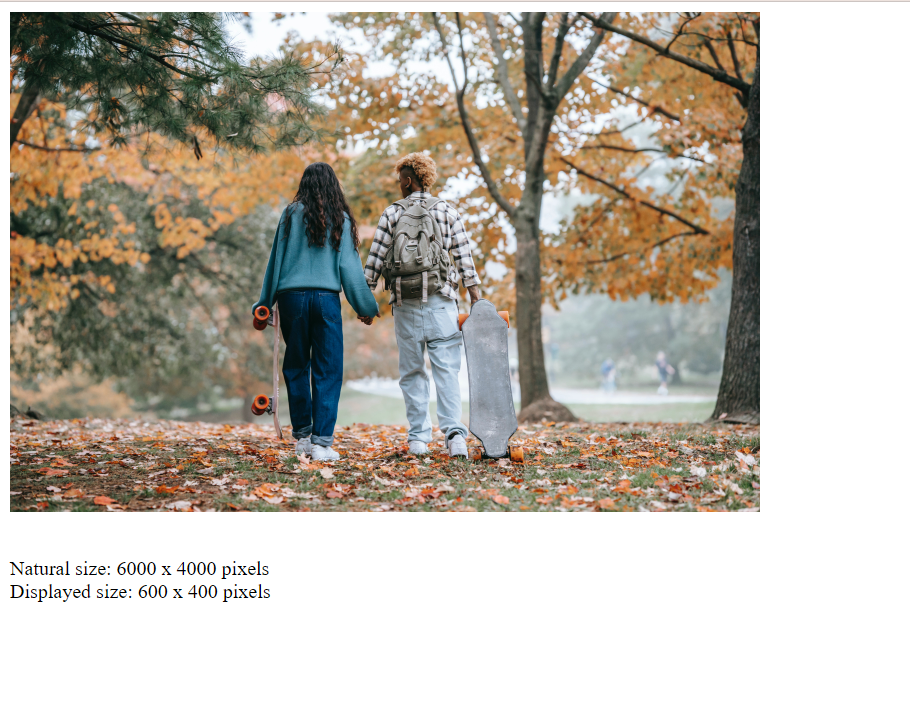
This blogpost’s aim is to find out the natural height/width of an image.
Natural height of an image is the actual height of the image sent by the server, which is without altered by the page’s CSS. For this, we shall make use of HTMLImageElement.naturalHeight property.
Let’s see this with the help of an example.
The HTML includes:
<div class="box">
    <img
        src="./fall.jpg"
        class="image"
        alt="No image found" />
</div>
<div class="output"></div>
The CSS:
.box {
    width: 600px;
}
.image {
    width: 100%;
}
.output {
    padding-top: 2em;
}
The highlighted property is actually the size displayed to the user.
Now let’s see the Js code:
let output = document.querySelector(".output");
let image = document.querySelector("img");

window.addEventListener("load", (event) => {
  output.innerHTML += `Natural size: ${image.naturalWidth} x ` +
                      `${image.naturalHeight} pixels<br>`;
  output.innerHTML += `Displayed size: ${image.width} x ` +
                      `${image.height} pixels`;
});
The output will be looking like this: